How to Use Video Conferencing: A Step-by-Step Guide
From downloading Zoom to muting and unmuting, we cover everything you need for smooth video calls with family and doctors.
Read the guide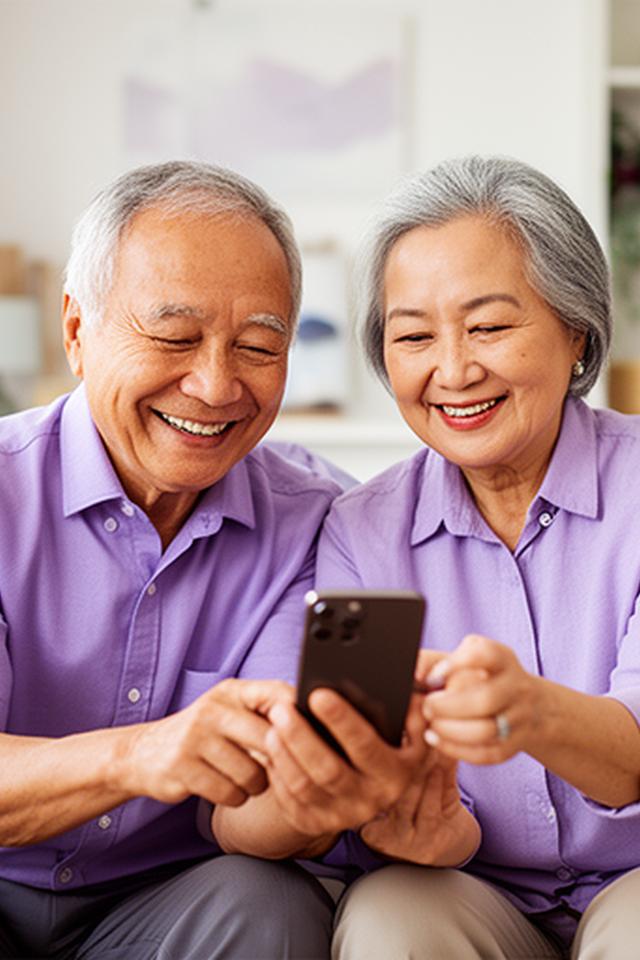
We help Singaporeans aged 60 and above master smartphone navigation, video conferencing for doctor consultations, and WhatsApp video calls to stay close with grandchildren. Access MyInfo and government digital services with confidence — no jargon, just patience and real results.
Foundational skills taught with warmth and patience, designed specifically for retired professionals and elderly learners in Singapore.
From unlocking your phone to managing contacts, installing apps, and adjusting accessibility settings like larger text and louder volume. We take it step by step until it feels second nature.
Set up Gmail, compose and reply to messages, attach photos, organise your inbox, and spot suspicious emails before they cause harm. Perfect for keeping in touch with old friends and family abroad.
Store precious family photos, important documents, and scanned letters safely online. Learn to create folders, share files with loved ones, and access everything from any device.
Crop, brighten, and enhance photos of grandchildren and family gatherings. Share albums via WhatsApp or email so everyone gets to enjoy the memories.
Singapore seniors lose millions to scams every year. Our most critical training block gives you the tools to stay safe.
We walk you through secure login practices, two-factor authentication, and how to verify that you're on the genuine DBS, OCBC, or UOB website — not a convincing fake.
Learn to recognise scam SMS messages, fake "government" calls demanding payment, and fraudulent emails. We show real examples so you know exactly what to look for.
Control who sees your posts, lock down your profile from strangers, and avoid common social media scams targeting seniors. Stay social without the risk.
Password best practices, recognising secure websites, and what to do if you suspect your account has been compromised. Simple habits that make a world of difference.
Practical skills for everyday life — from paying at the hawker centre to seeing the doctor without leaving home.
Master GrabPay and PayNow for quick, cashless payments. We practise scanning QR codes at real merchant terminals so you feel confident at the checkout.
Book a GrabCar, track your driver's arrival, and pay seamlessly. No more standing by the road hoping for a taxi — just tap and go.
Use SimplyGo with your phone or smartwatch for buses and MRT. Check balances, top up remotely, and navigate routes with ease.
Connect with your doctor via Zoom or HealthHub for follow-up consultations. We help you set up the camera, test the audio, and join the call without stress.
Navigate Singapore-specific portals with independence. No more relying on children or neighbours for essential transactions.
Set up and use your digital identity for government e-services. We guide you through verification, profile updates, and linking accounts securely.
Check your balances, view statements, and manage nominations online. Understand your retirement accounts without queueing at the CPF service centre.
File your income tax returns online with confidence. We demystify the forms and show you how to claim reliefs you may be missing.
Complete HDB grant forms and submit supporting documents digitally. For silver residents downsizing or applying for the Silver Housing Bonus.
Face-to-face, hands-on tech support right in your neighbourhood. Our workshop space at Pasir Panjang Drive 8 is set up for comfortable, small-group learning.
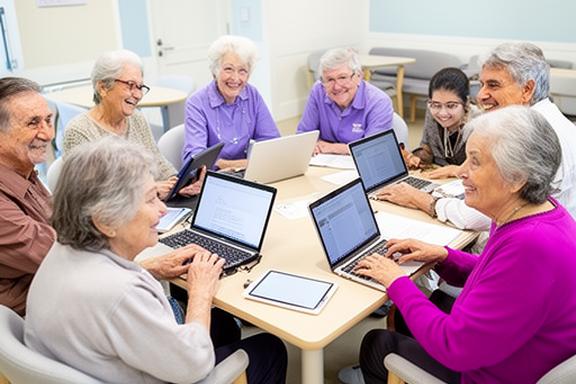
Drop by for smartphone troubleshooting, tablet setup, or just to ask that one question that's been bothering you. Our Pasir Panjang location is easy to reach and designed with seniors in mind — plenty of seating, large screens, and endless patience.
Real outcomes from retired Singaporeans and silver learners who took the leap into digital confidence.
"I used to dread video calls — the buttons, the ringing, not knowing if my camera was on. After three sessions with the team at K&T Home Guidance, I now lead our family WhatsApp group video calls every Sunday. My grandchildren in Perth actually said, 'Grandma, you're a pro now!' That moment alone was worth everything. They also taught me how to spot a phishing SMS, and I've already dodged two scam attempts since."
"Booked my first RedMart grocery order all by myself. Sounds small, but at 72, that's independence. The trainer stayed on the phone with me the whole time until I tapped 'Place Order'."
"The online banking security module is a lifesaver. I nearly fell for a fake DBS call last year. Now I know exactly what to check before sharing any details."
"My husband and I both attended the Grab and PayNow workshop. Now we go to Tiong Bahru market and pay with our phones. The hawkers are always impressed!"
"I filed my taxes on IRAS myself this year. First time in 15 years I didn't have to ask my son. The step-by-step guide they gave me is now laminated and pinned to my noticeboard."
We believe digital literacy is a right, not a privilege — especially for the generation that built this country.
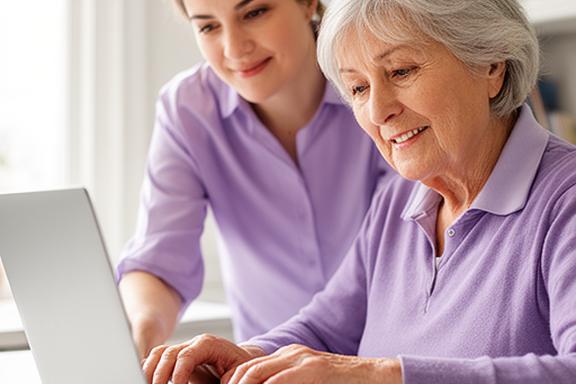
K&T Home Guidance was born from a simple observation: Singapore's rapid digitalisation was leaving too many seniors behind. Queueing for hours to pay a bill, missing telehealth appointments because the video link wouldn't open, feeling anxious every time the phone buzzed with an unfamiliar notification. We said: enough.
Our team of patient, experienced trainers specialises in teaching basic computer skills, video conferencing, and digital safety to the 60+ demographic. Every session is conducted in English, at a pace that respects the learner. We don't just teach buttons — we build confidence, independence, and a genuine sense of achievement.
We're based in Pasir Panjang, but our impact reaches seniors across Singapore — from Bedok to Jurong, Woodlands to Bukit Timah. Whether it's a one-on-one home visit or a small workshop at our centre, we meet you where you are.
Ready to master e-wallets, set up telehealth, or simply feel safer online? Let's talk. No pressure, no sales pitch — just a friendly chat about what you'd like to learn.
Call Now for Free ConsultationSelf-paced guides and how-to articles written in plain English for elderly learners. Bookmark these, share them with friends, or read at your own pace.
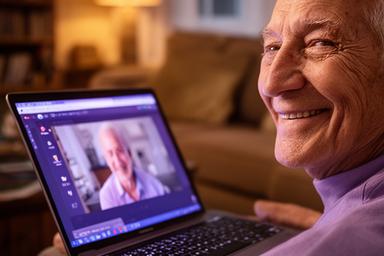
From downloading Zoom to muting and unmuting, we cover everything you need for smooth video calls with family and doctors.
Read the guide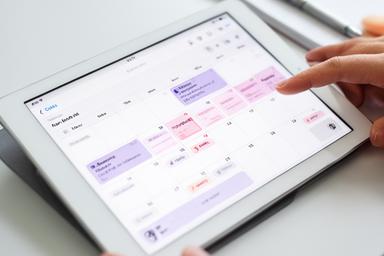
Never miss a medical appointment or family gathering again. We show you how to use Google Calendar on your phone.
Read the guide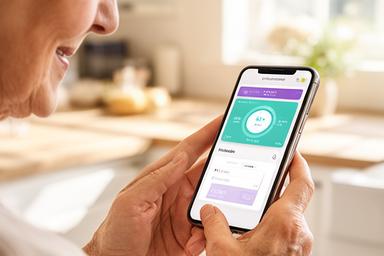
Track blood pressure, steps, sleep, and medication schedules with simple apps designed for older users.
Read the guide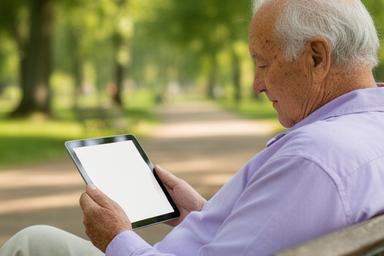
Access The Straits Times, CNA, and BBC News on your device. We explain bookmarks, font sizes, and sharing articles.
Read the guide